Digital Marketing
Local SEO Basics: How a Jalandhar Shop Can Show Up on Google Maps
By the GIT Education team5 min read
When people search “near me”, Google shows a map with three businesses. These are the basic steps that decide who appears there, and none of them need an ad budget.
Start with a Google Business Profile
A free Google Business Profile is what puts a shop on Google Maps. Claim and verify it, then fill in every field: the right main category, opening hours, phone number, website and a short description in plain language.
The main category matters most. A sweet shop listed only as “Store” competes with every store in the city.
Keep name, address and phone the same everywhere
Google compares your details across your profile, website, Facebook page and directories. If the phone number or address is written differently in different places, it trusts the listing less. Pick one exact format and use it everywhere.
Reviews, photos and updates
Active, real listings tend to do better than empty ones.
Ask happy customers for a review, and reply to every review, good or bad.
Add real photos of the shop front, inside and products, and update them now and then.
Post offers or news on the profile so it looks cared for.
Never buy fake reviews. Google removes them and can suspend the listing.
Measure what changes
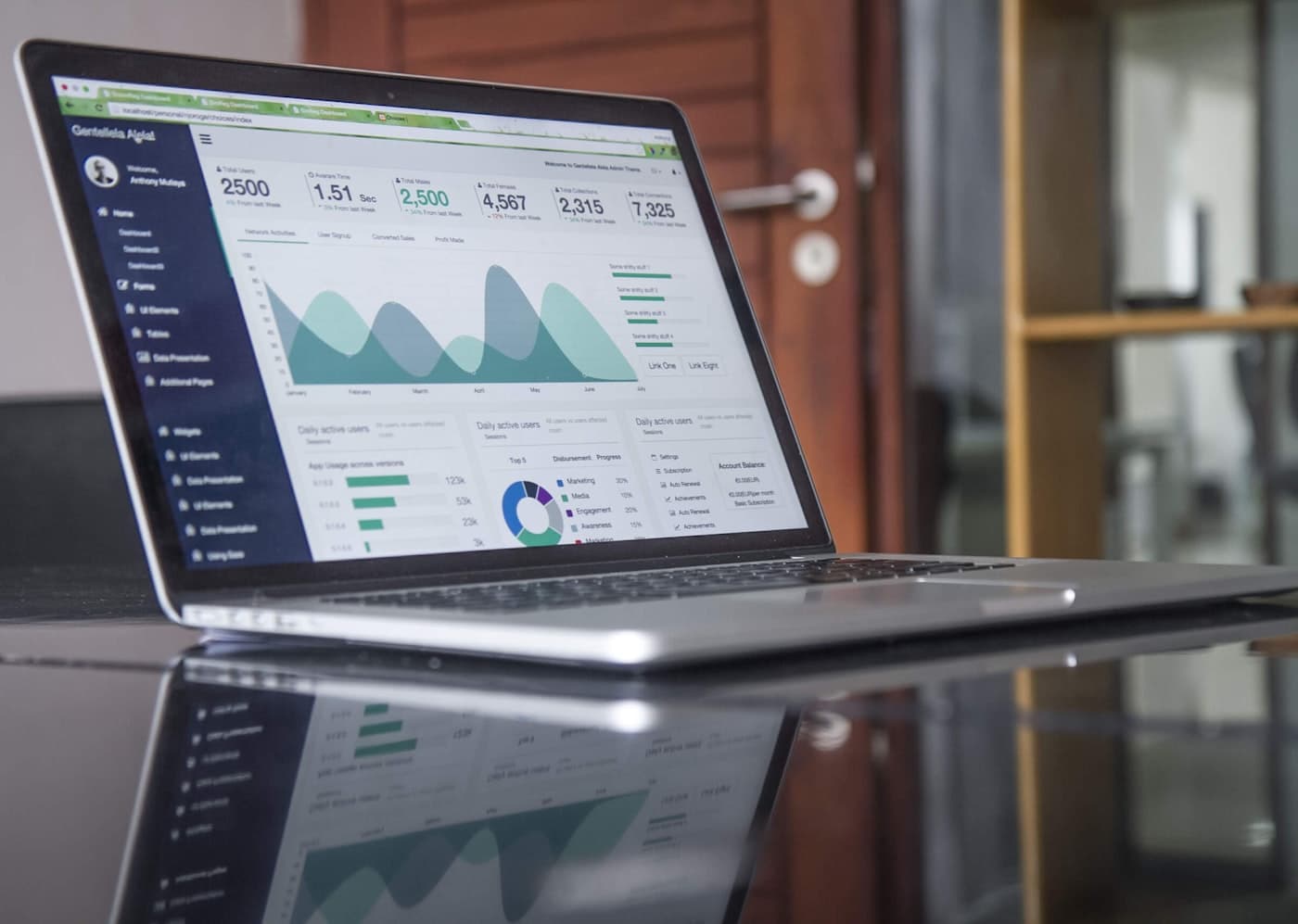
The profile shows how many people called, asked for directions or visited the website. Check these numbers each month. They tell you whether the work is bringing in customers, which is the skill employers and clients pay for.
Comments
No comments yet. Be the first to ask a question or share your experience.
More from the blog
All posts →
Blog
blog test 1